
Kia Carens: Tire Pressure Monitoring System / TPMS Sensor Repair procedures
Kia Carens RP (2013-2018) Service Manual / Suspension System / Tire Pressure Monitoring System / TPMS Sensor Repair procedures
| Removal |
Handle the sensor with care.
|

| 1. |
Remove the tire.
(Refer to Tire/Wheels - "Tire")
|
| 2. |
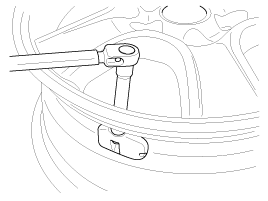
Remove the valve nut.
|
| 3. |
Discard the valve assembly.
|
| Installation |
Sensor Fit
|
| 1. |
Slide the sensor-valve unit through the valve hole of the rim. Hold
the sensor against the rim and the rubber grommet against the sealing
surface.
|
| 2. |
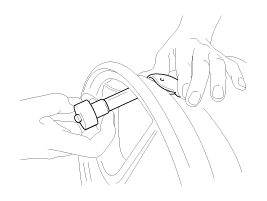
Insert the nut over the valve stem and then tighten the nut.
|
| 3. |
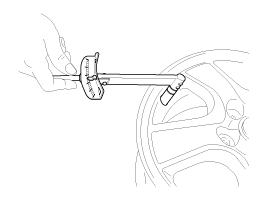
Continue to tightening the nut until contact with the rim and then tighten
to 2.4 ~ 3.0Nm.
|
| 4. |
Check that the sensor is firmly attached to the rim.
|
| 5. |
Carry out inflation / pressure correction and then fit valve cap.
|
| 6. |
Install the tire. (Refer to "Tire Installation")
|
| 7. |
In the case of TPMS sensor failure, TPMS sensor needs learning. Faulty
sensor is replaced new units, conduct learning of TPMS sensors.
|
| Diagnosis procedure by using diagnostic device |
As manual for diagnosis methods by using diagnosis device, the main contents
are as follows:
| 1. |
Connect self-diagnosis connector(16pins) located in the lower of driver
side crash pad to self-diagnosis device, and then turn the self-diagnosis
device after key is ON.
|
| 2. |
Select the "vehicle model" and "TPMS" on GDS vehicle selection screen,
then select OK.
|
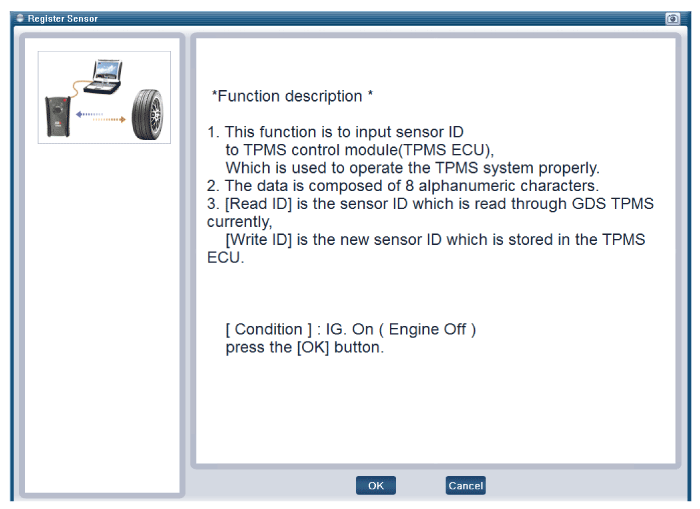
[Register Sensor initialization]
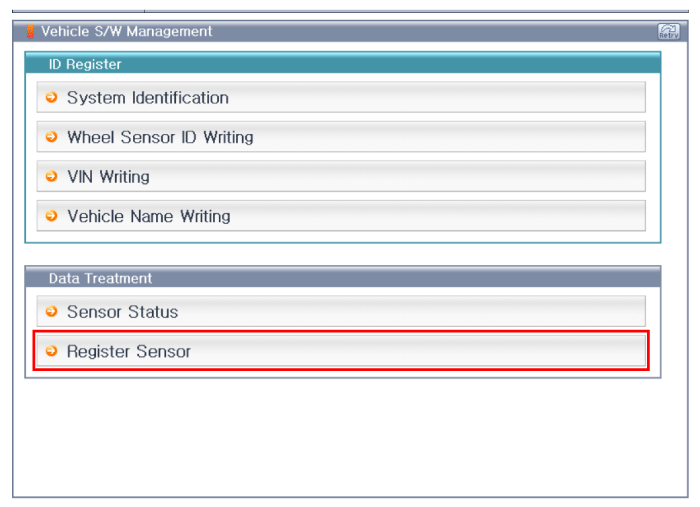
[Register Sensor function description]
[Preparation phase sensor measurements]
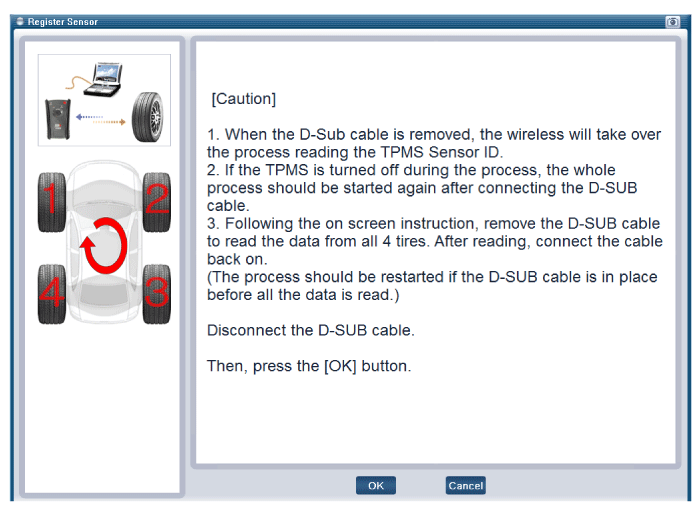
[Sensor register method 1]
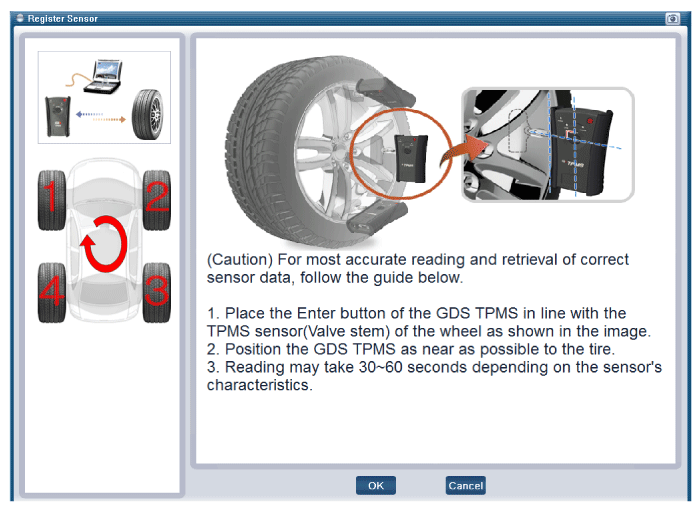
[Sensor register method 2]
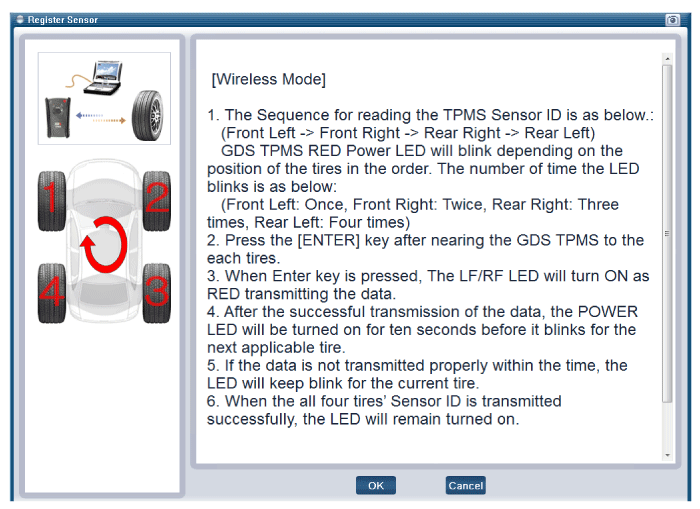
[Sensor register method 3]
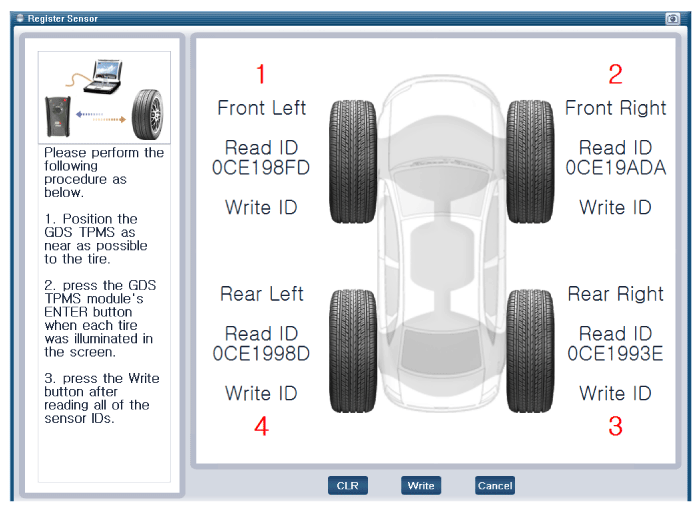
[Sensor register method 4]
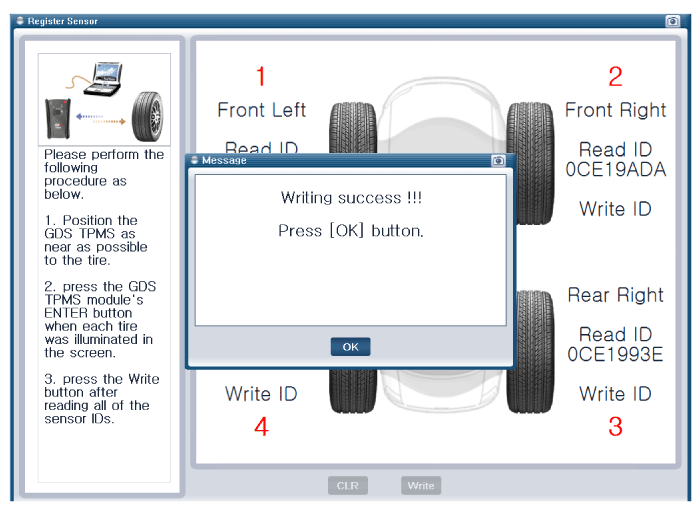
[Sensor register method 5]
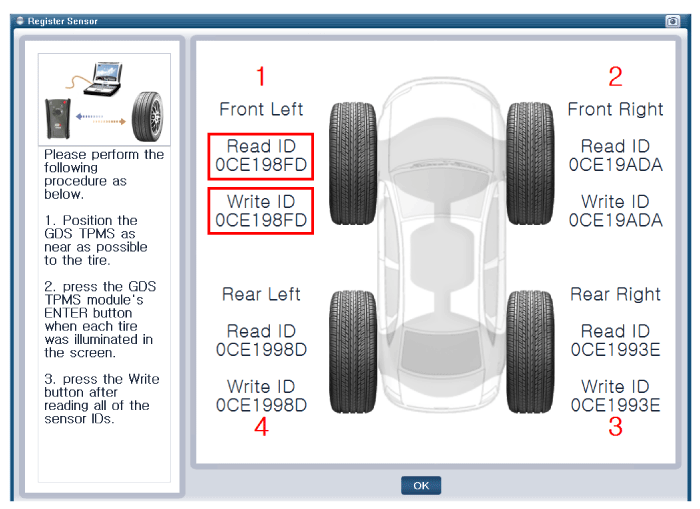
|

[Sensor Status initialization]
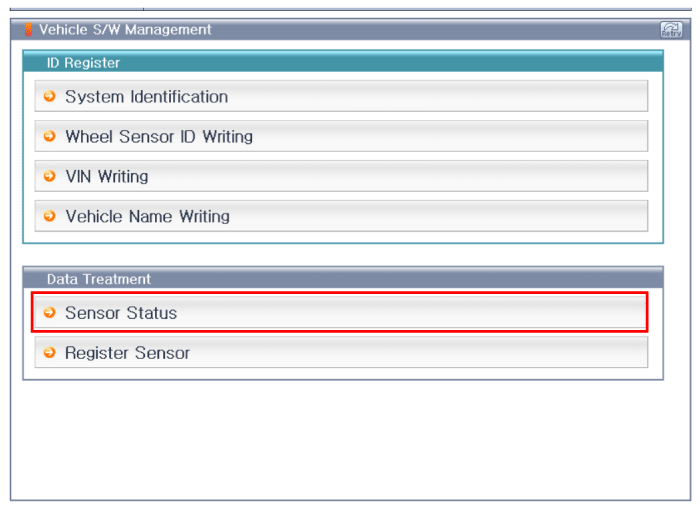
[Sensor function description]
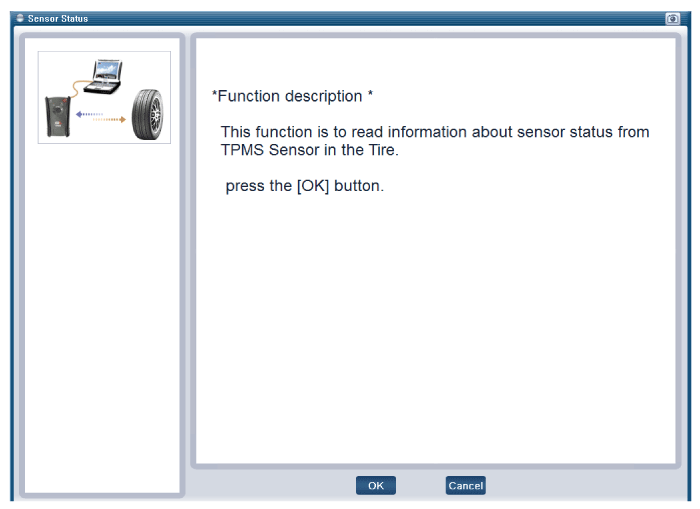
[Preparation phase sensor measurements]
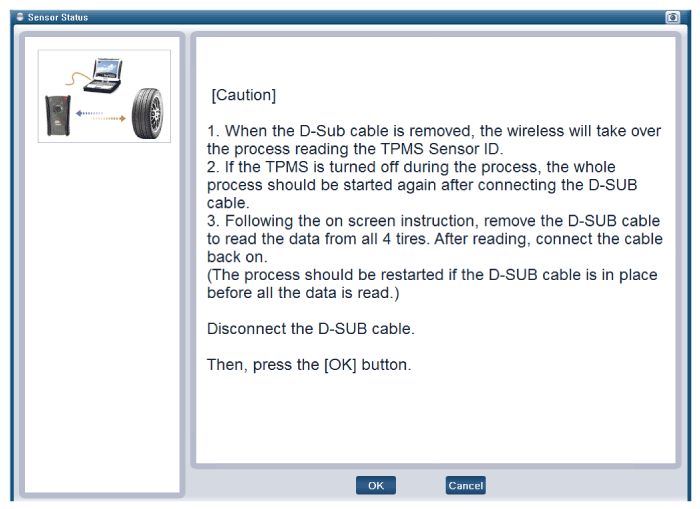
|
[Sensor measurements 1]
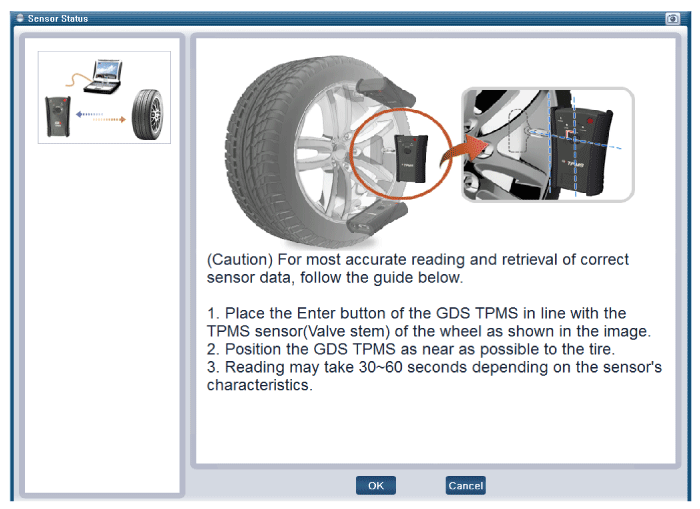
[Sensor measurements 2]
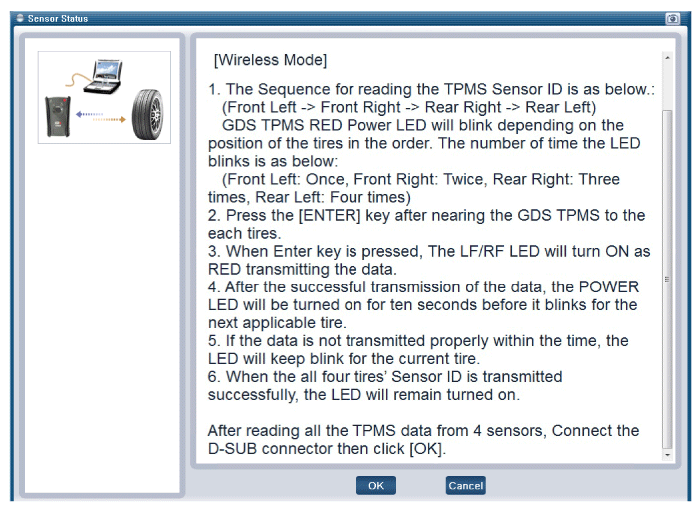
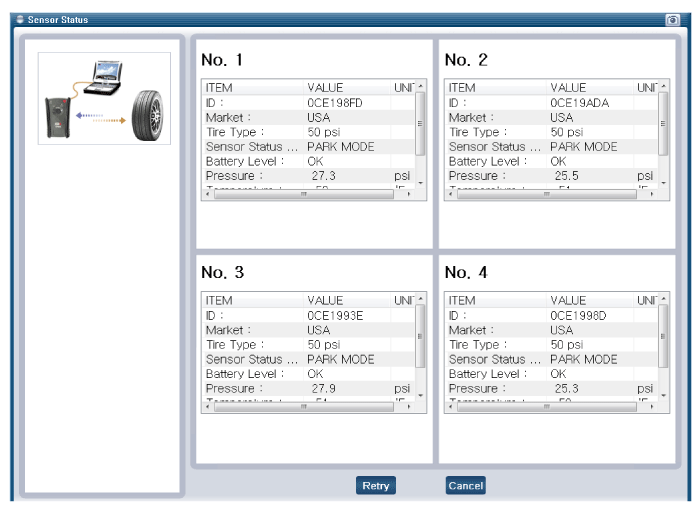
[Sensor Status]
|
 TPMS Sensor Description and operation
Description
1.
Storage State
Sensors are in this state when they first arrive at dealership.
This state is entered by LF request/command only. ...
 TPMS Receiver Description and operation
Description
1.
Mode
(1)
Virgin State
•
The receiver as a sole part is ship ...
Other information:
Kia Carens RP (2013-2018) Service Manual: Front Pillar Trim Repair procedures
Replacement • Put on gloves to protect your hands. • When ...
Kia Carens RP (2013-2018) Owners Manual: Curtain air bag
Curtain air bags are located along both sides of the roof rails above the front and rear doors. They are designed to help protect the heads of the front seat occupants and the rear outboard seat occupants in certain side impact collisions. The curtain air bags are designed to deploy during certai ...
Copyright © www.kicaman.com 2015-2026
