
Kia Carens: Blind Spot Detection system (BSD) / Repair procedures
Kia Carens RP (2013-2018) Service Manual / Body Electrical System / Blind Spot Detection system (BSD) / Repair procedures
| Diagnosis With KDS/GDS |
| 1. |
BSD system defects can be quickly diagnosed by using the KDS/GDS. KDS/GDS
operates actuator quickly to monitor input/output value and perform
self diagnosis.
|
| 2. |
Connect the cable of KDS/GDS to the data link connector on driver side
crash pad lower panel, and turn on the KDS/GDS.
|
| 3. |
Select the vehicle model and the BSD system.
|
| 4. |
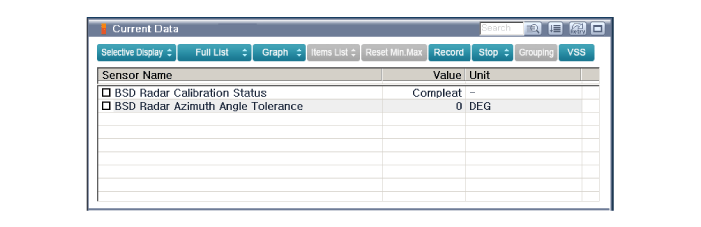
To check the current data of BSD system, select "Input/output monitoring".
|
| 5. |
To check each module operation by force, select "Actuation test".
|
| 6. |
Connect KDS/GDS with Ignition "OFF".
|
| 7. |
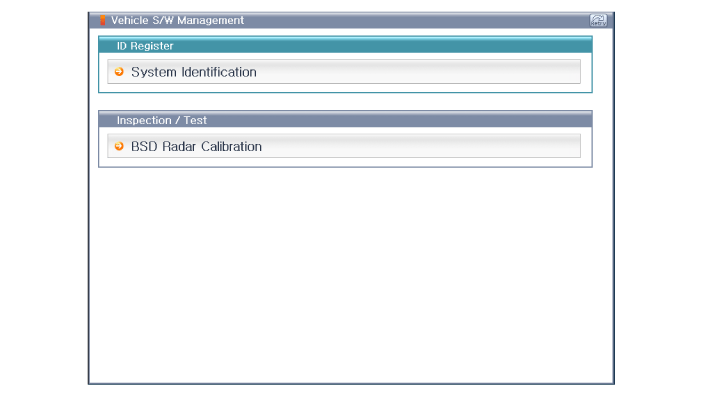
With Ignition "ON" and engine "OFF", select BSD system and "BSD Radar
Calibration" mode.
|
| 8. |
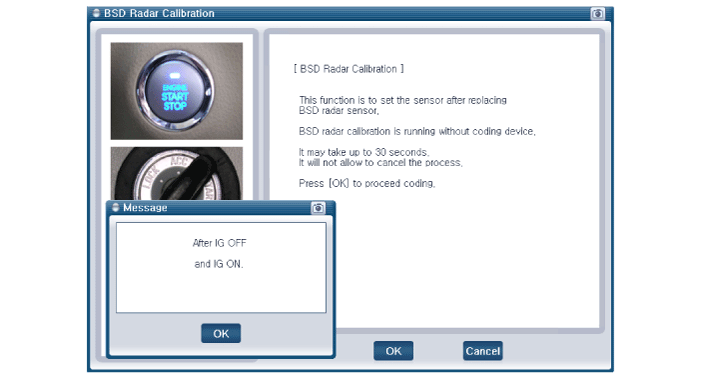
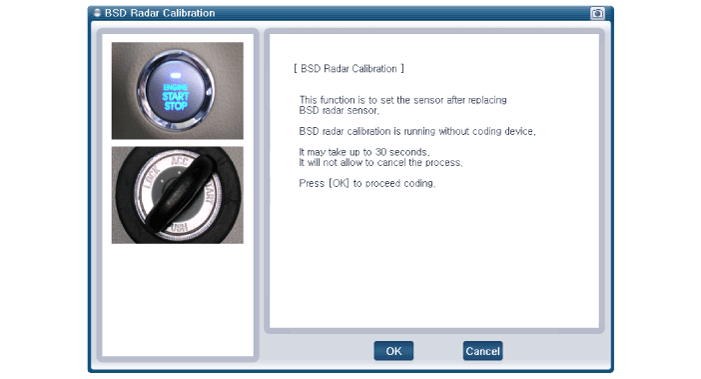
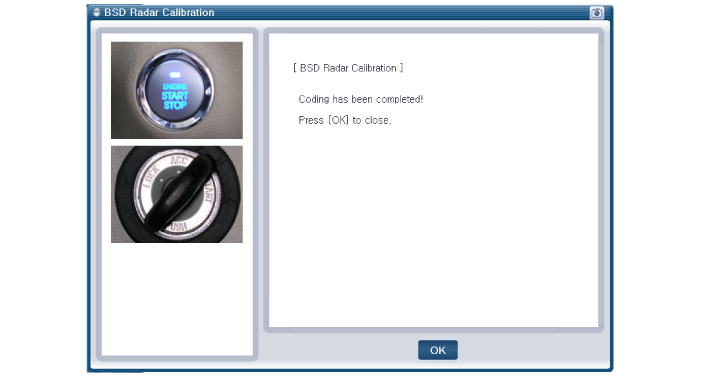
The KDS/GDS will show the BSD Reset function steps.
|
| 9. |
The BSD initialization procedure will be performed.
|
 Description and operation
Description
BSD is a system that uses two magnetic wave radar sensors attached on the rear
panel to measure the distance from the vehicle in the back and senses and sets
off ...
 Blind Spot Detection Unit Schematic diagrams
Circuit Diagram
...
Other information:
Kia Carens RP (2013-2018) Service Manual: Alternator Components and components location
Components 1. OAD (Overrunning Alternator Decoupler) 2. Front Bracket 3. Front Bearing 4. Stator 5. Rotor 6. Rear Bearing 7. Rear Bracket 8. Brush Holder Assembly 9. Through Bolt 10. Rectifier Assembly 11. Rear Cover ...
Kia Carens RP (2013-2018) Service Manual: Instrument Cluster Components and components location
Components Connector Pin Information No. Description Remark No. Description Remark 1 IGN 1 Input 21 Battery (+) Input ...
Copyright © www.kicaman.com 2015-2026
